How to add a friend?
Learn how to find ShiMe IDs and add friends on ShiMe.
Last updated Sep 19, 2025Approx. 1 min read
On this page
Step 1: Confirm your friend's ShiMe ID
Before you add someone, make sure you have the correct ShiMe ID from your friend and double‑check the spelling.
Step 2: Add a friend from the Messages page
- After signing in, open the Messages page from the top navigation.
- In the input field on the page, enter your friend's ShiMe ID and submit it.
- Once sent, ShiMe creates a conversation with that friend in your messages list.


Step 3: Find and share your own ShiMe ID
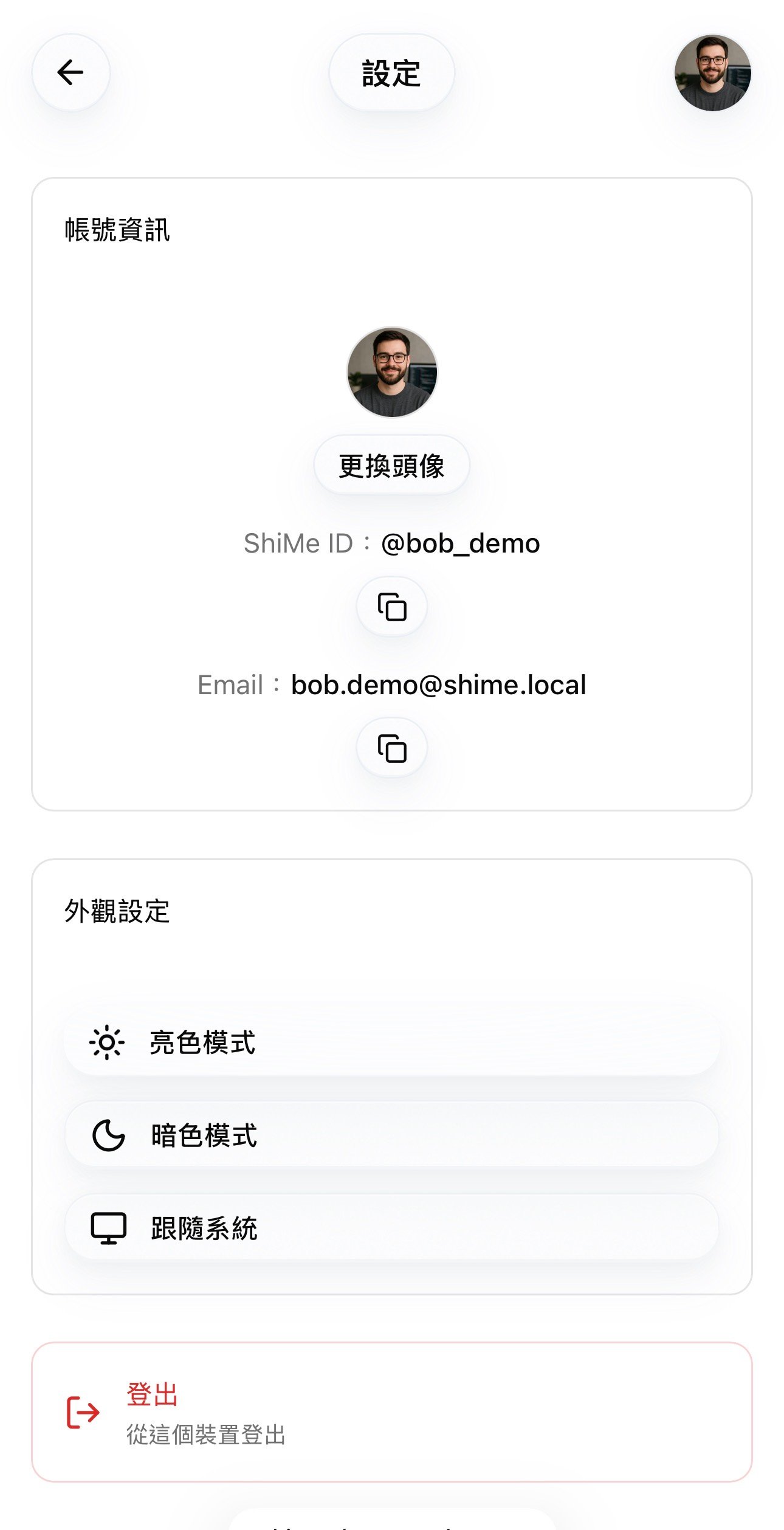
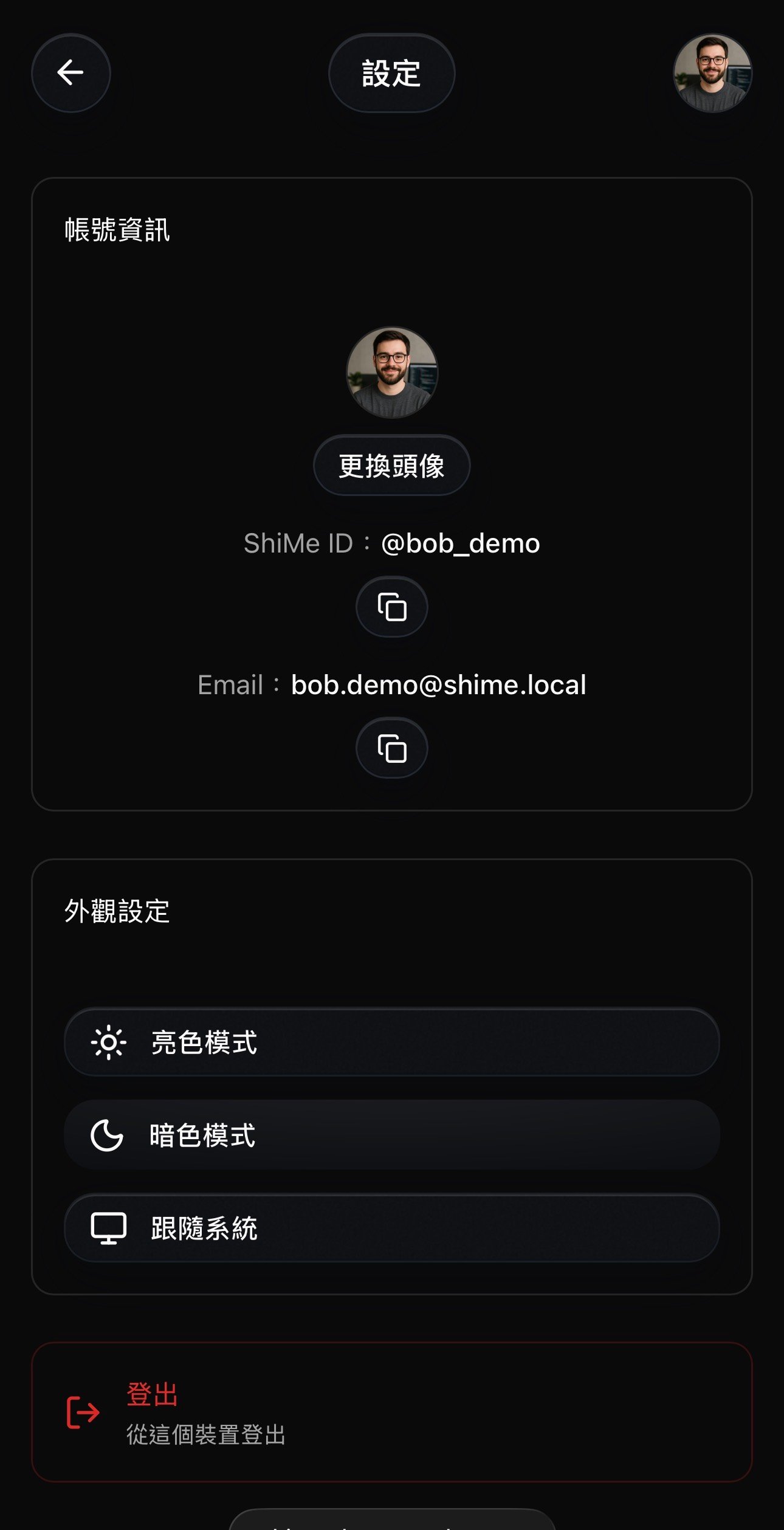
- If you want others to add you, go to the Settings page from the top navigation.
- In your account or profile section, you can see your own ShiMe ID and copy it to share with friends.