How to mention a friend?
Learn how to use "@ mentions" in posts and where mentioned posts show up.
Last updated Sep 19, 2025Approx. 1 min read
On this page
Mention a friend in a post
Use @ mentions to tag friends in your posts so they are notified.
- From the home feed or your profile, click New post to create a new post.
- In the text field, type the @ symbol to open the list of friends you can mention.
- Start typing your friend's name to search, then click on the friend you want to mention.
- You can mention multiple friends in the same post.
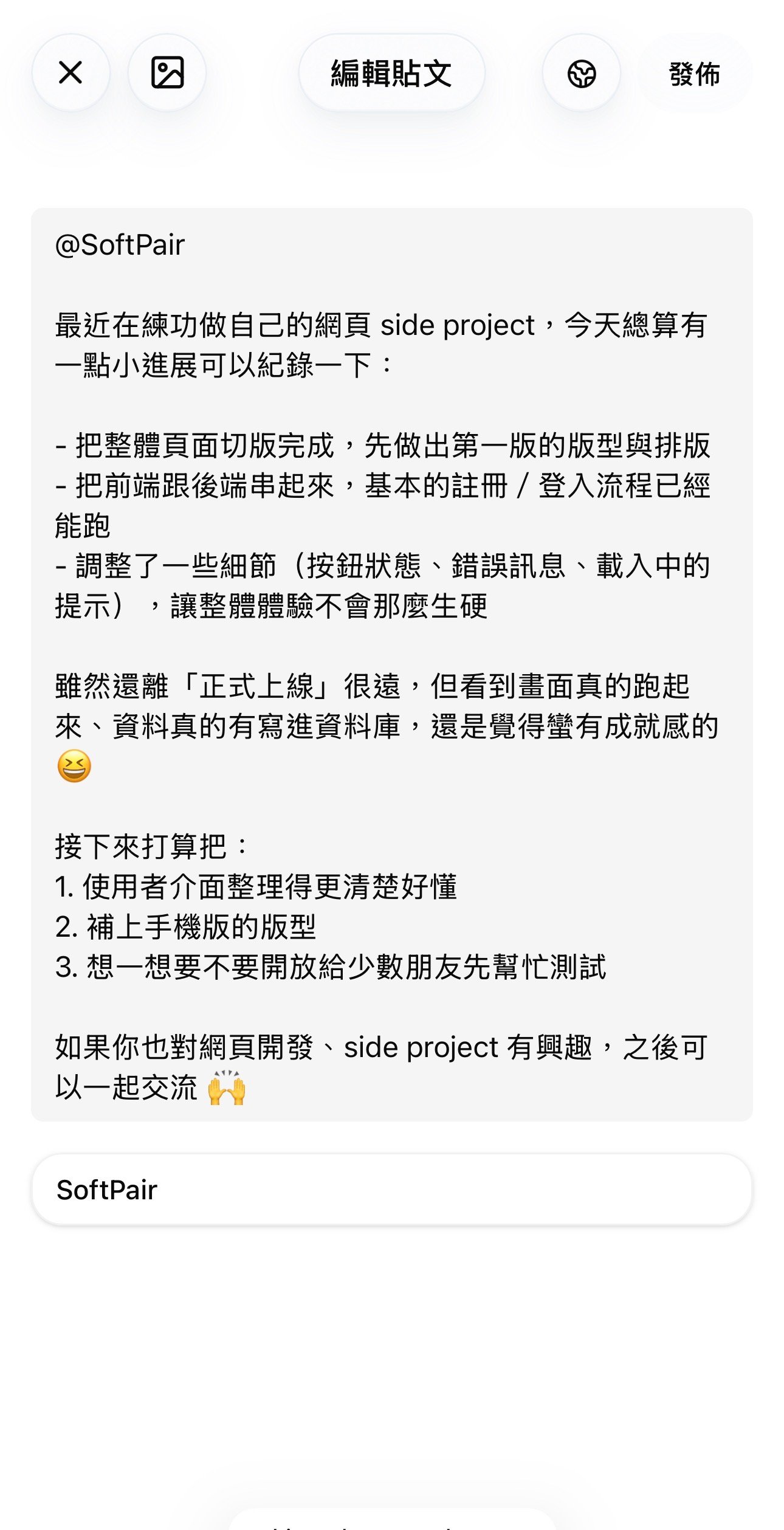
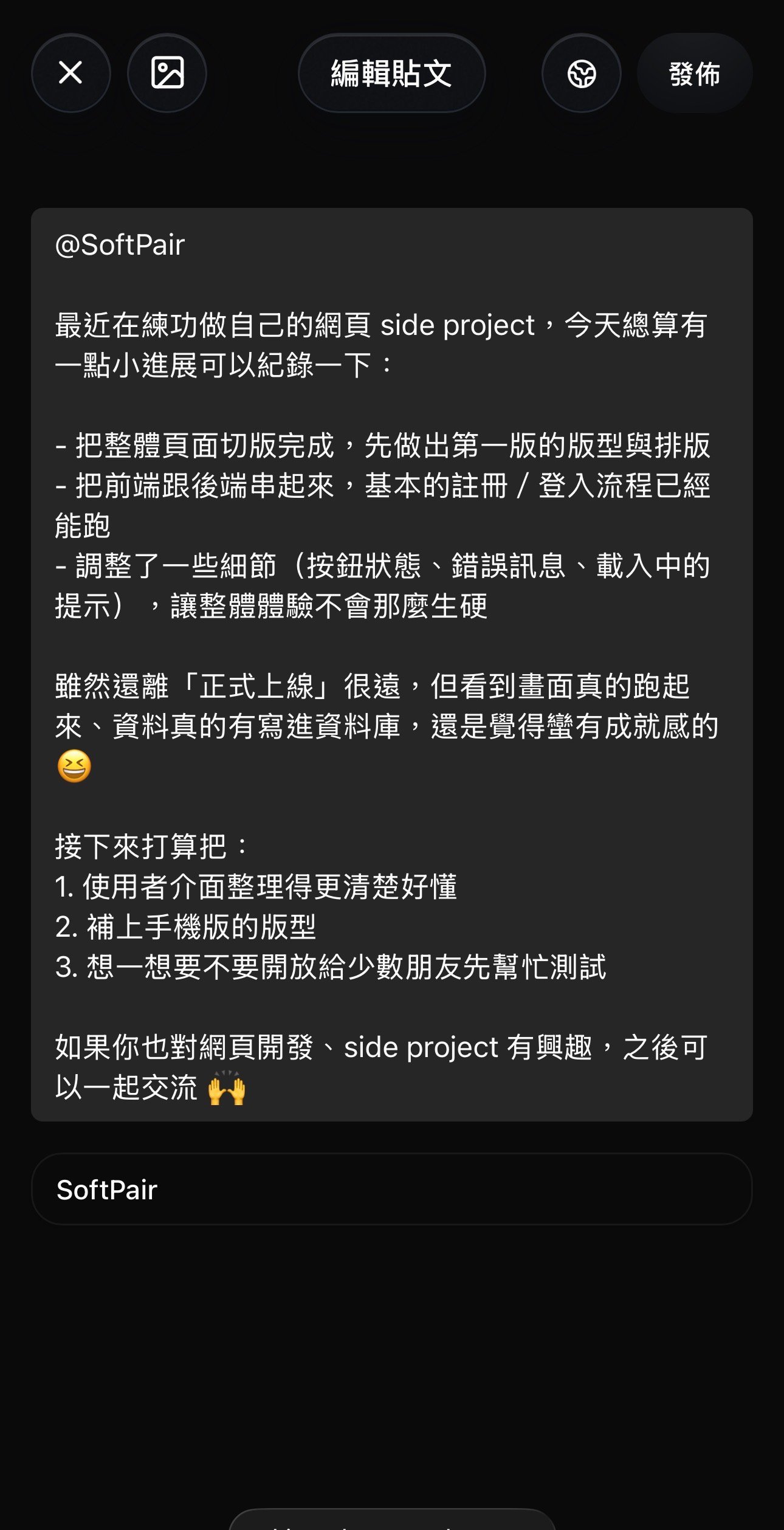
Note: You can only mention users who are already your friends on ShiMe.
Where your friend sees the mention
After you publish a post with a mention:
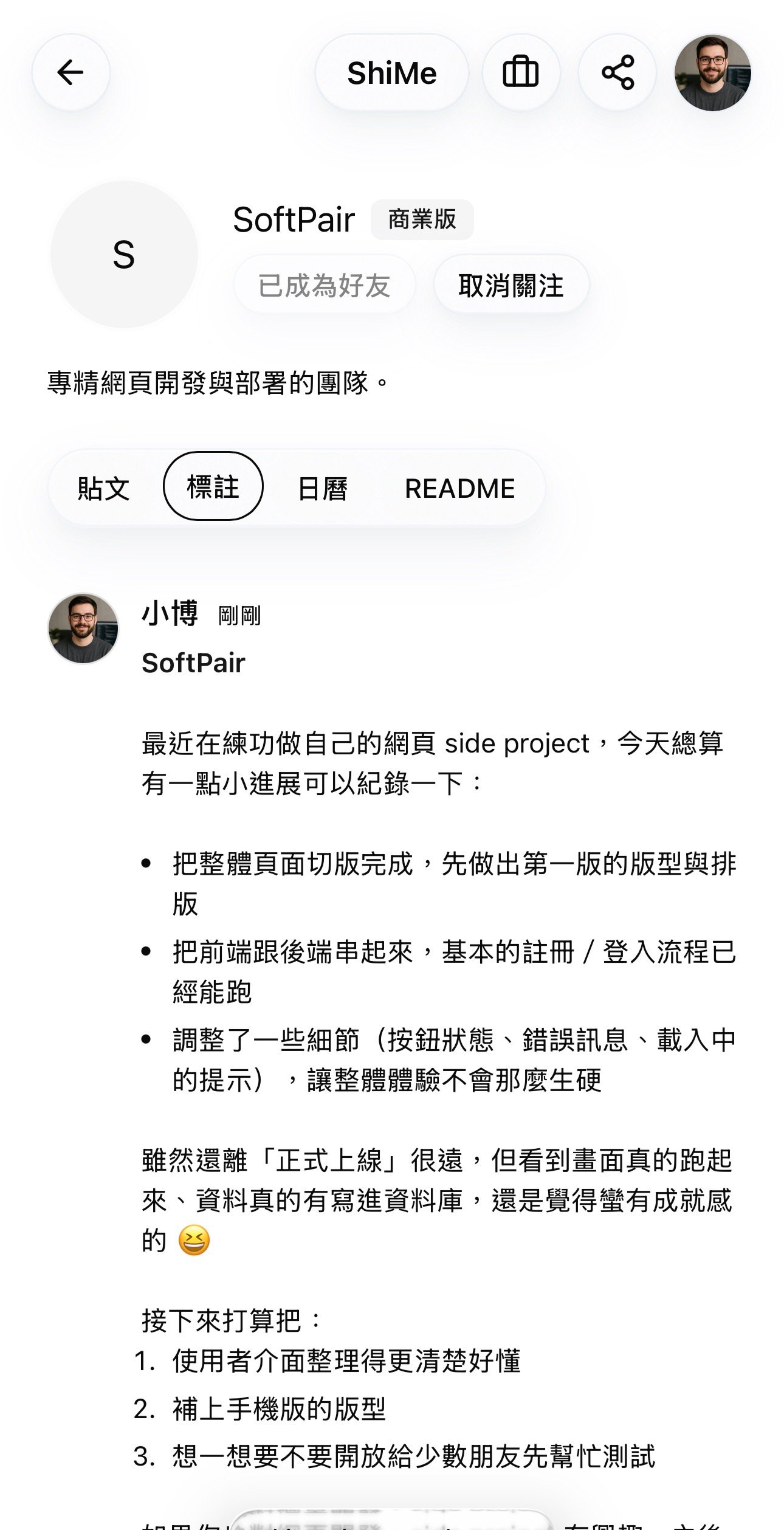
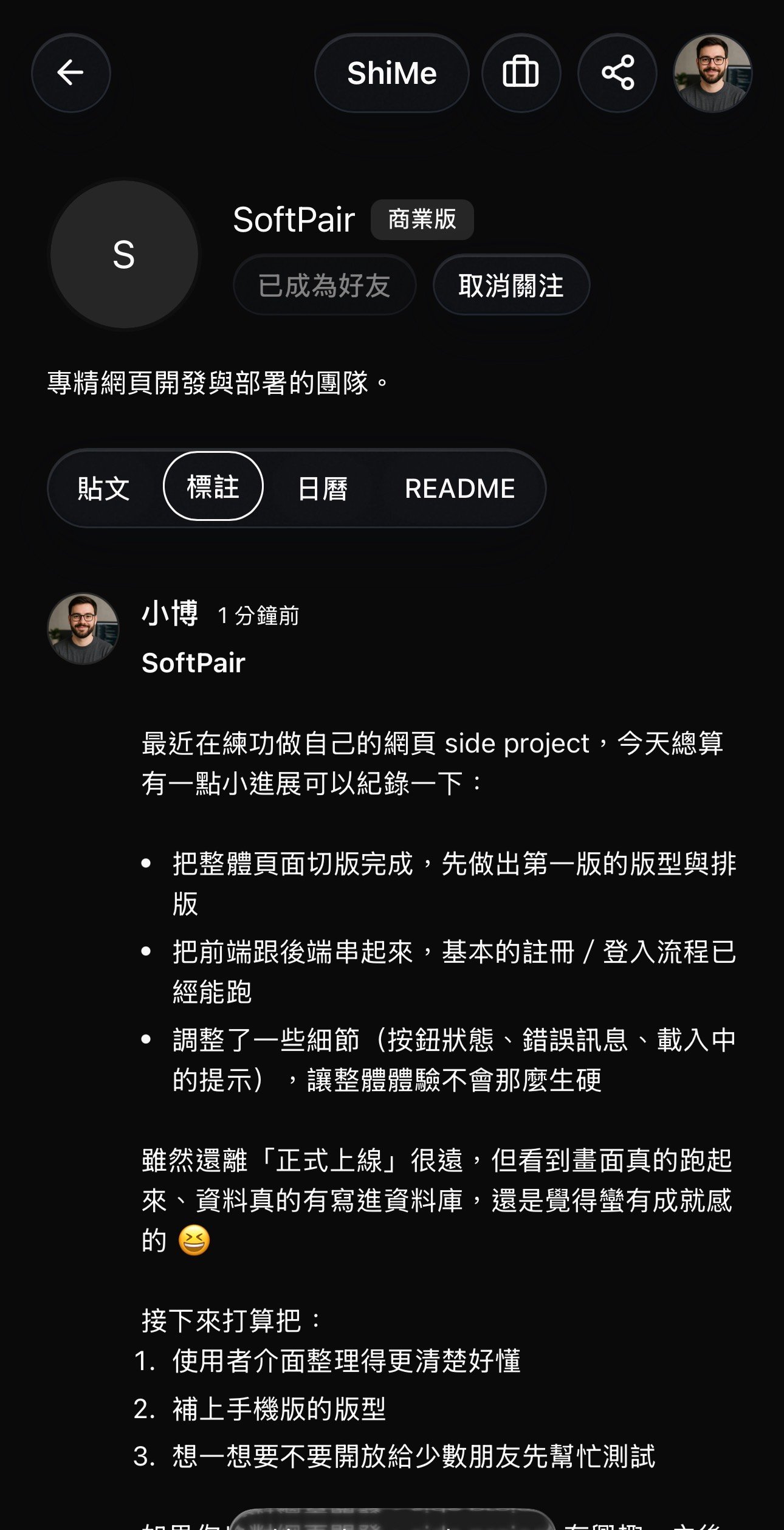
- The post appears on your own profile like any other post.
- The same post also shows up under the Tagged tab on your friend's profile, so they can easily review everything they've been mentioned in.
Who else can see the post?
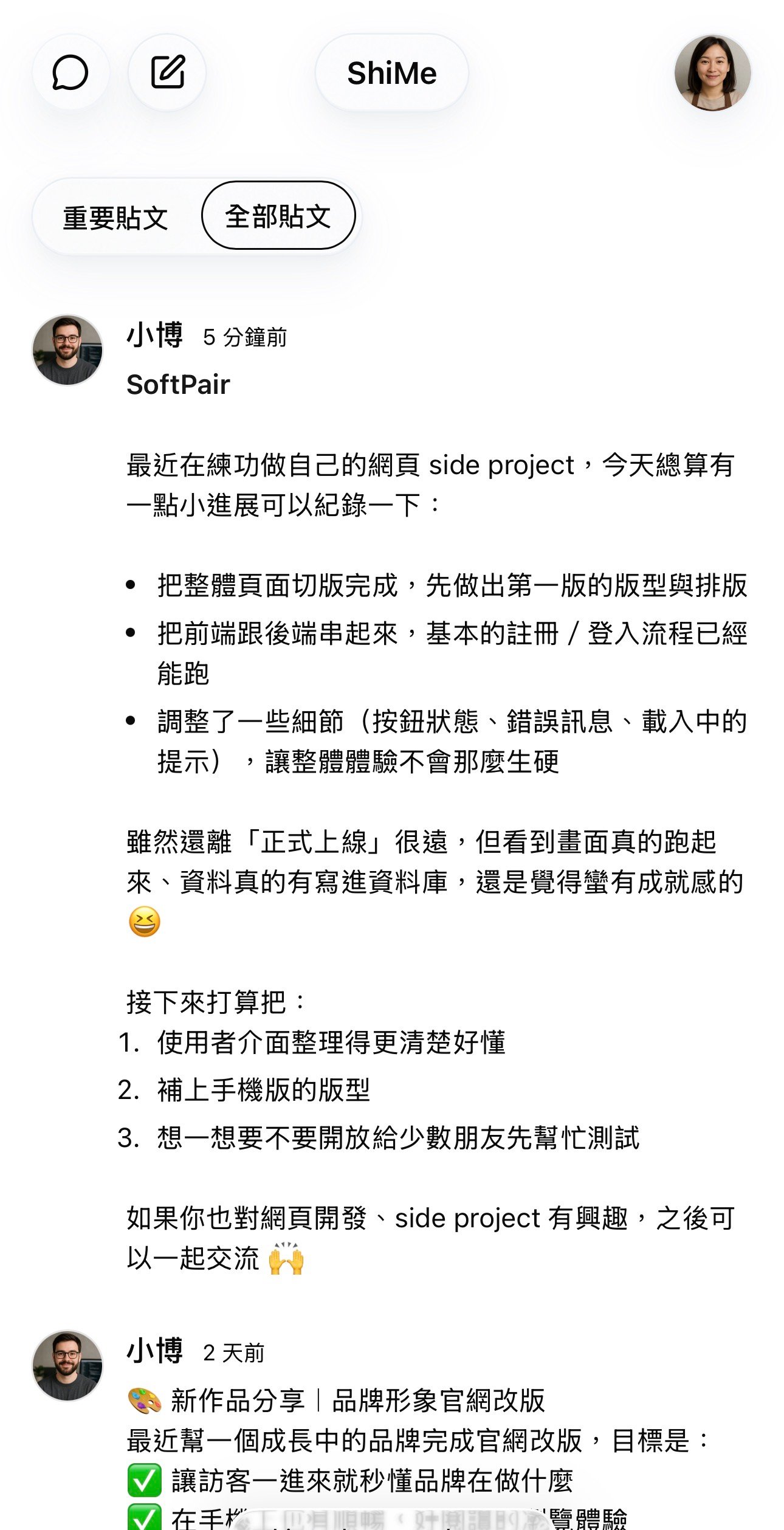
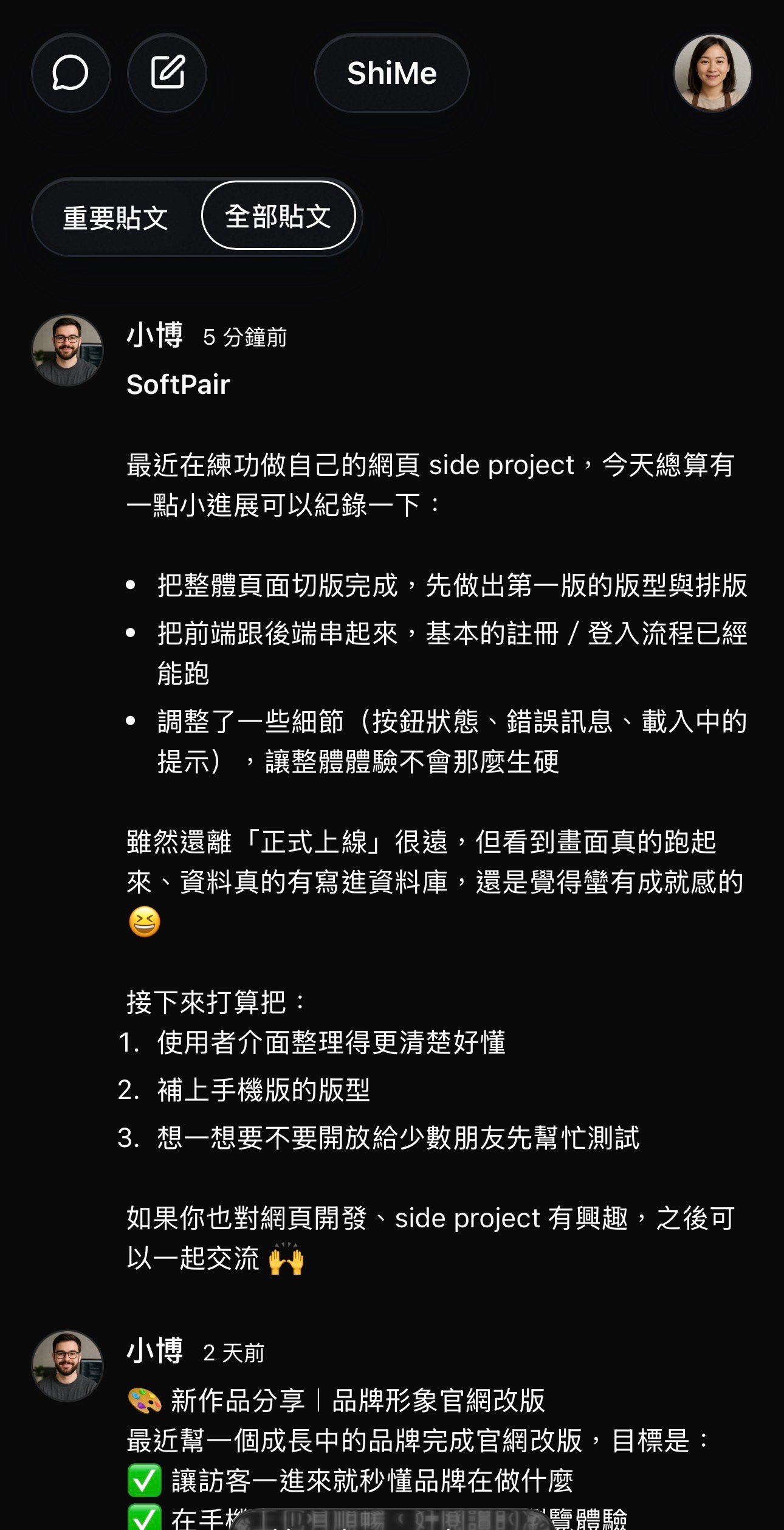
Your friend and their friends can see the mentioned post in the All posts feed on the home page.
Tip: Use mentions to highlight important updates and make them more visible within your and your friends' circles, while still respecting your post's privacy settings.